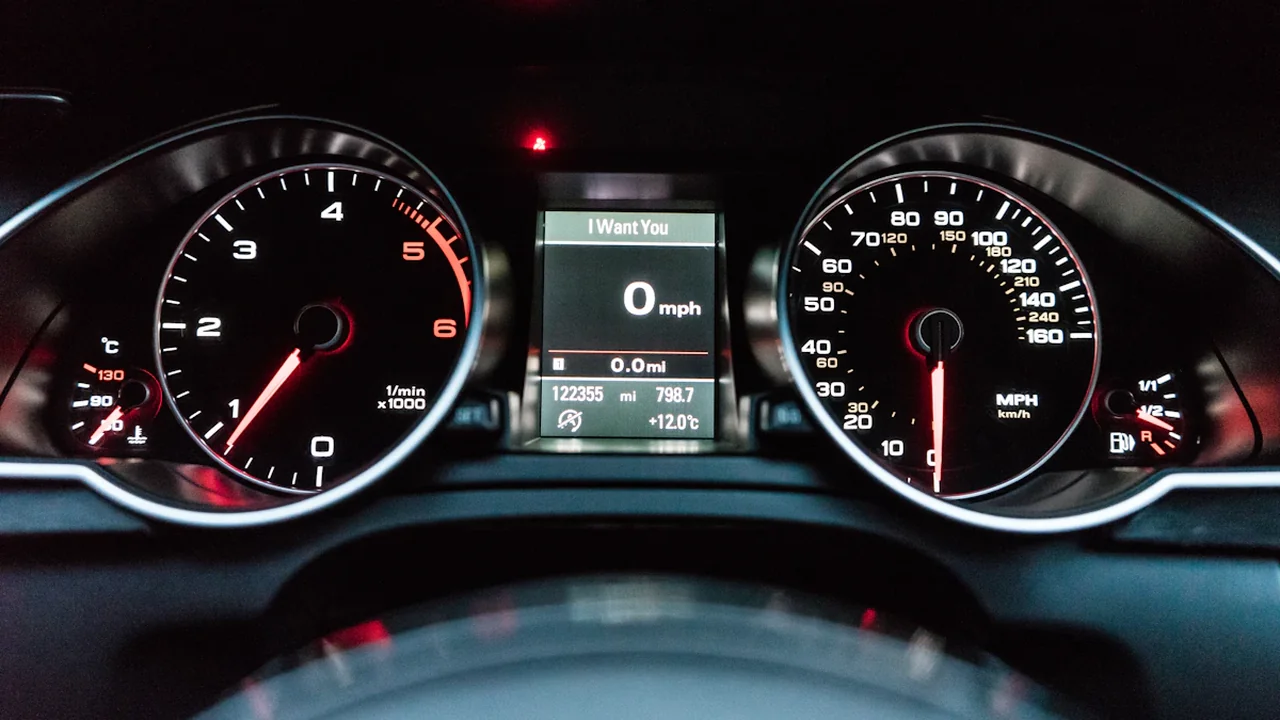
The UK moved from British Summer Time to Greenwich Mean Time at 02:00 on Sunday, 25 October 2026, turning clocks back one hour. If you are checking the time this morning, compare appliances, car displays and traditional clocks with a trusted time source before relying on them for a journey or booking.
The UK clock change took place on 25 October
GOV.UK says clocks go back one hour at 02:00 on the last Sunday in October. Royal Museums Greenwich lists 25 October as the 2026 date. The change means the hour from 01:00 to 02:00 occurred twice overnight.
Many internet-connected phones and computers adjust their displayed time automatically when their settings and connection allow. Other devices may need a manual change. A display that looks right is not proof that every clock in your home or vehicle has updated.
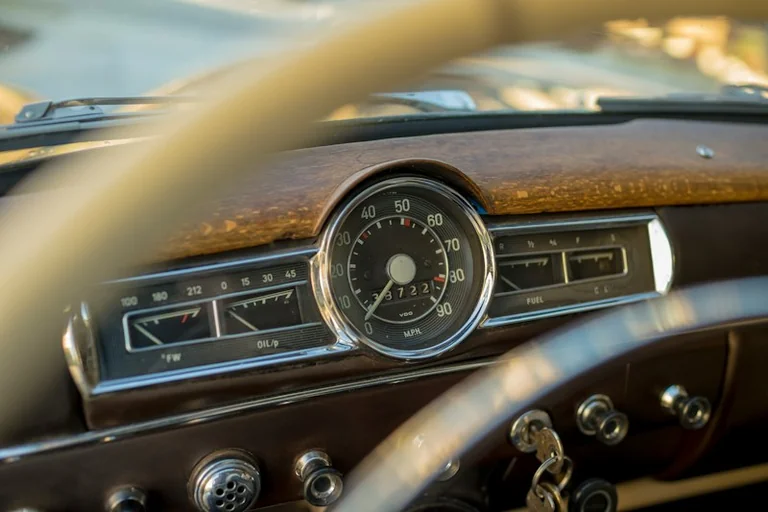
Check these displays this morning
Work through the clocks you use to plan your day, especially if they are not connected to the internet:
- Oven and microwave clocks: Check the time shown and use the appliance instructions if you need to change it.
- Car dashboard and infotainment displays: Compare the displayed time with your phone or another reliable clock. Check the vehicle handbook for adjustment steps.
- Wall clocks and watches: Reset analogue clocks and any digital clocks that do not update automatically.
- Heating controls and other appliances: Check timers and schedules, particularly if they control heating or another routine you rely on.
- Phones and computers: Confirm the date, time and time-zone settings if the displayed time seems wrong.
How a particular appliance or vehicle handles the change depends on its settings and manufacturer. Check its instructions rather than assuming a model will update automatically.

Confirm journeys and bookings before you leave
Check the departure or appointment time with the relevant travel operator, venue or service provider. If you have a ticket, booking confirmation or timetable, compare it with the provider’s latest information before setting off. This is especially useful when you booked in advance or are coordinating with someone whose device may show a different time.
For a journey this morning, check the clock you will use as well as the provider’s current departure information. If the two disagree, contact the operator or provider for guidance. GOV.UK’s clock-change guidance gives the national rule; it does not replace a live timetable or booking confirmation.
Source: GOV.UK
Context & actions About this article
Source check Sources
GOV.UK confirms the one-hour change at 02:00 on the last Sunday in October; Royal Museums Greenwich lists 25 October 2026.
- The change was from British Summer Time to Greenwich Mean Time.
- GOV.UK states that clocks go back one hour at 02:00.
- Check device instructions and provider information for individual clocks, bookings and jou...
- Source
- GOV.UK
- Scope
- United Kingdom
- Updated
- 2026-10-25 10:06
Source check
Report a trust issue
Send a clear signal to community moderation if the source, facts or context need review.



Comments