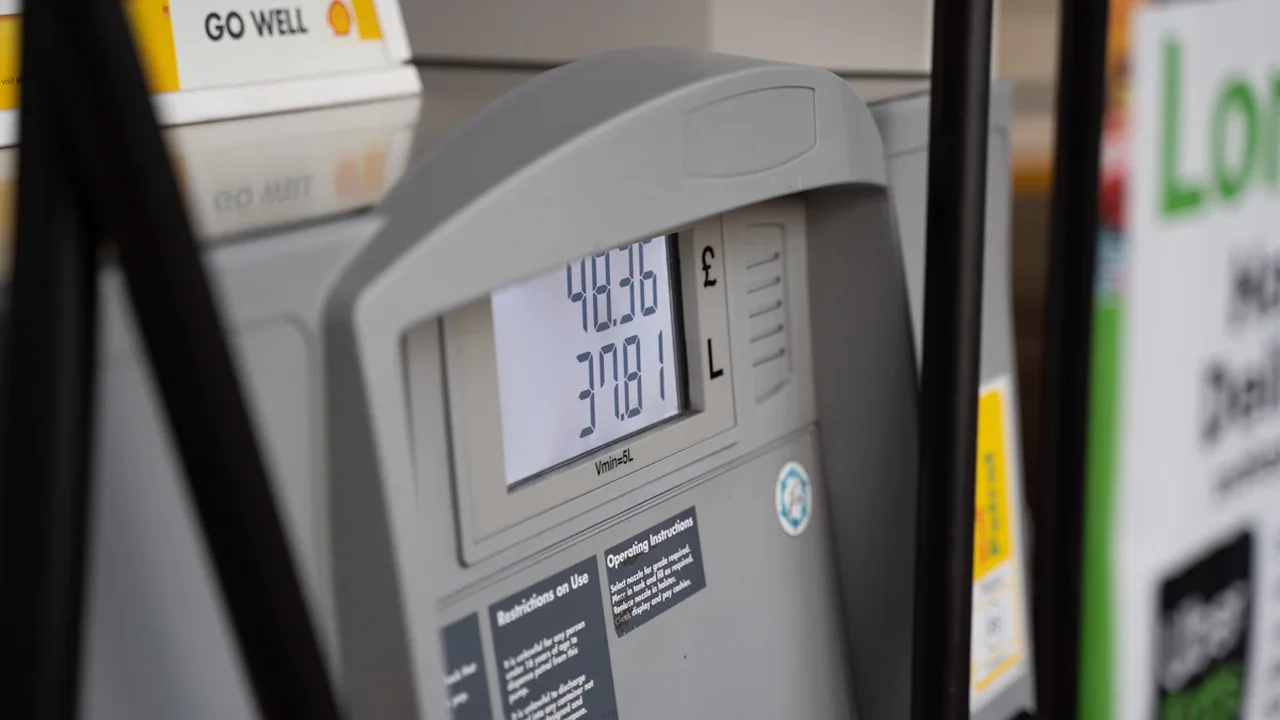
Fuel Finder helps UK drivers compare current petrol and diesel prices at nearby forecourts before setting off. Prices appear through participating apps and websites, so the useful next step is to check stations near your route, compare the same fuel type and see when each price was updated.
Where Fuel Finder prices appear
Fuel Finder brings together retail fuel prices and forecourt details. The Department for Energy Security and Net Zero says retailers must submit a price update within 30 minutes of changing a pump price. Participating apps and websites then make the information available for drivers to compare.
Fuel Finder is the data service behind those listings; you may encounter its prices in a participating map, journey planner or fuel comparison service. The price shown is a recent reported price, not a promise that the pump will still display it when you arrive. Check the listing’s update time where the app provides one, especially if you are about to make a special trip.
Read also: UK fuel prices: compare nearby pumps and count the detour cost
Compare stations on the same basis
Search around your current location or the route you intend to take. Select the fuel your vehicle needs, such as unleaded petrol or diesel, and compare prices for that fuel alone. Check the station’s address and opening details before choosing it; a low price is little use if the forecourt is closed or awkward to reach.
If two listings show similar prices, look at their update times. A recently updated listing may give you more confidence than an older one, although either price can change. Check the pump price before filling up, and use that displayed price to make your final decision.
Check whether a detour saves anything
Turn the price difference into a cost for the amount you expect to buy. For example, a station charging 3p less per litre would save £1.20 on 40 litres before travel costs. A detour uses fuel and time, so compare that £1.20 with the extra distance, traffic and any parking or access difficulty. A cheaper station already on your route is more likely to be worthwhile than one requiring a separate journey.
Prices and availability vary by place and time. Before leaving, make one last comparison in a participating app or website, then confirm the fuel type and displayed price at the forecourt.
Source: Department for Energy Security and Net Zero
Context & actions About this article
Source check How this guide was checked
GlobeBids used government guidance on Fuel Finder reporting and distribution; the cost example is illustrative.
- Retailers must submit price changes within 30 minutes.
- Participating apps and websites display prices for nearby comparisons.
- The £1.20 example is 3p multiplied by 40 litres, before detour costs.
- Source
- Department for Energy Security and Net Zero: Fuel Finder
- Scope
- United Kingdom
- Updated
- 2026-10-07 11:16
Source check
Report a trust issue
Send a clear signal to community moderation if the source, facts or context need review.

Comments